
Megu / Outfit planner
Plan a week of outfits from clothes you own.
Describe the week — three days in the office, dinner on Thursday, nothing on Sunday — and the planner lays it out, a look a day, each matched to what that day is actually for.

Membership required. Eligible new subscribers can try the monthly plan free. See the current price and trial terms in the app before subscribing.
Made for iPhone · iOS 18+ · Your closet stays yours
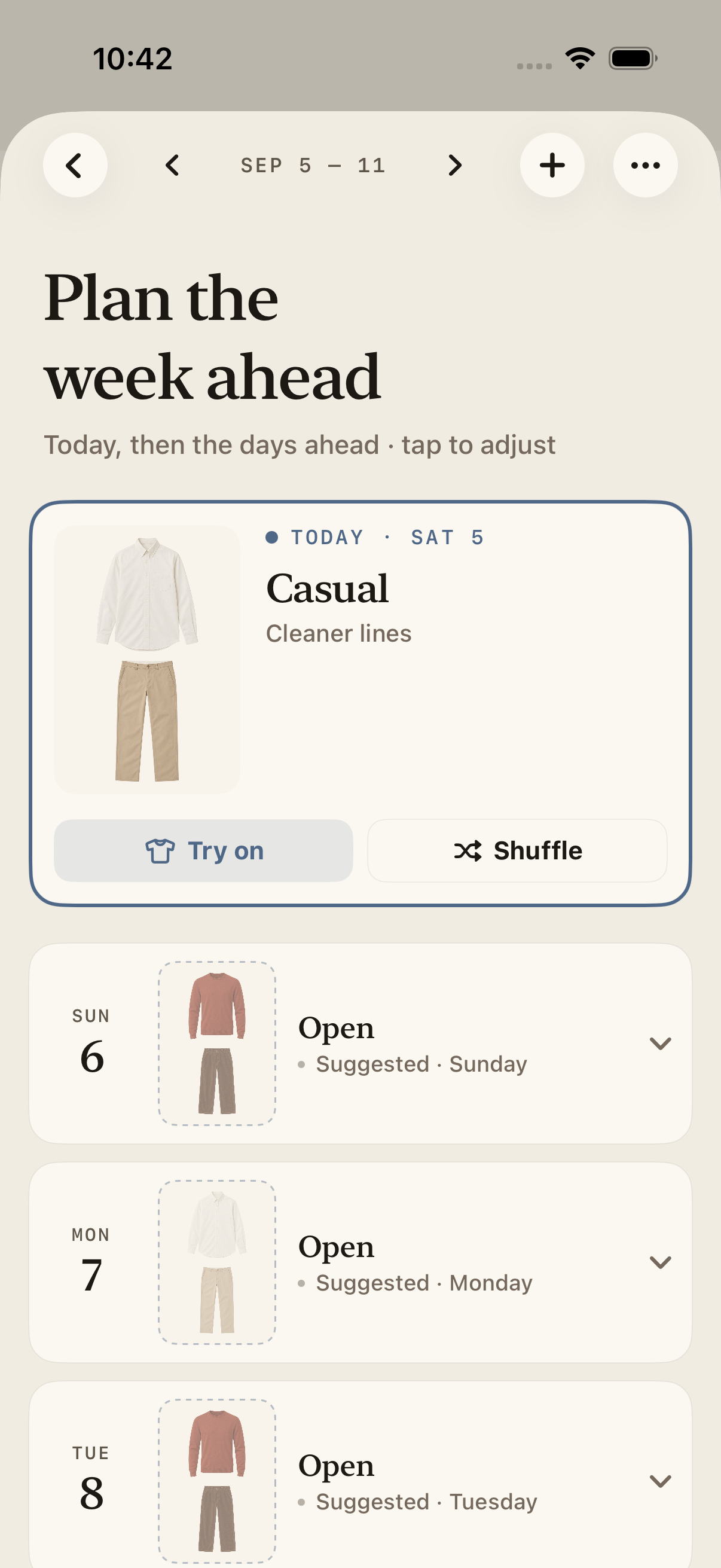
Describe the whole week in a sentence or two.
Each day gets a specific outfit, not a category.
Review each day and change the looks you want.
Planning ahead
The week, decided before it starts.
Most of the value of a wardrobe app shows up the week you are travelling or the week that is unusually busy.
Describe the week, not each day
Tell the planner what your week looks like, then review the suggested outfits day by day. Read the step-by-step weekly planning guide.
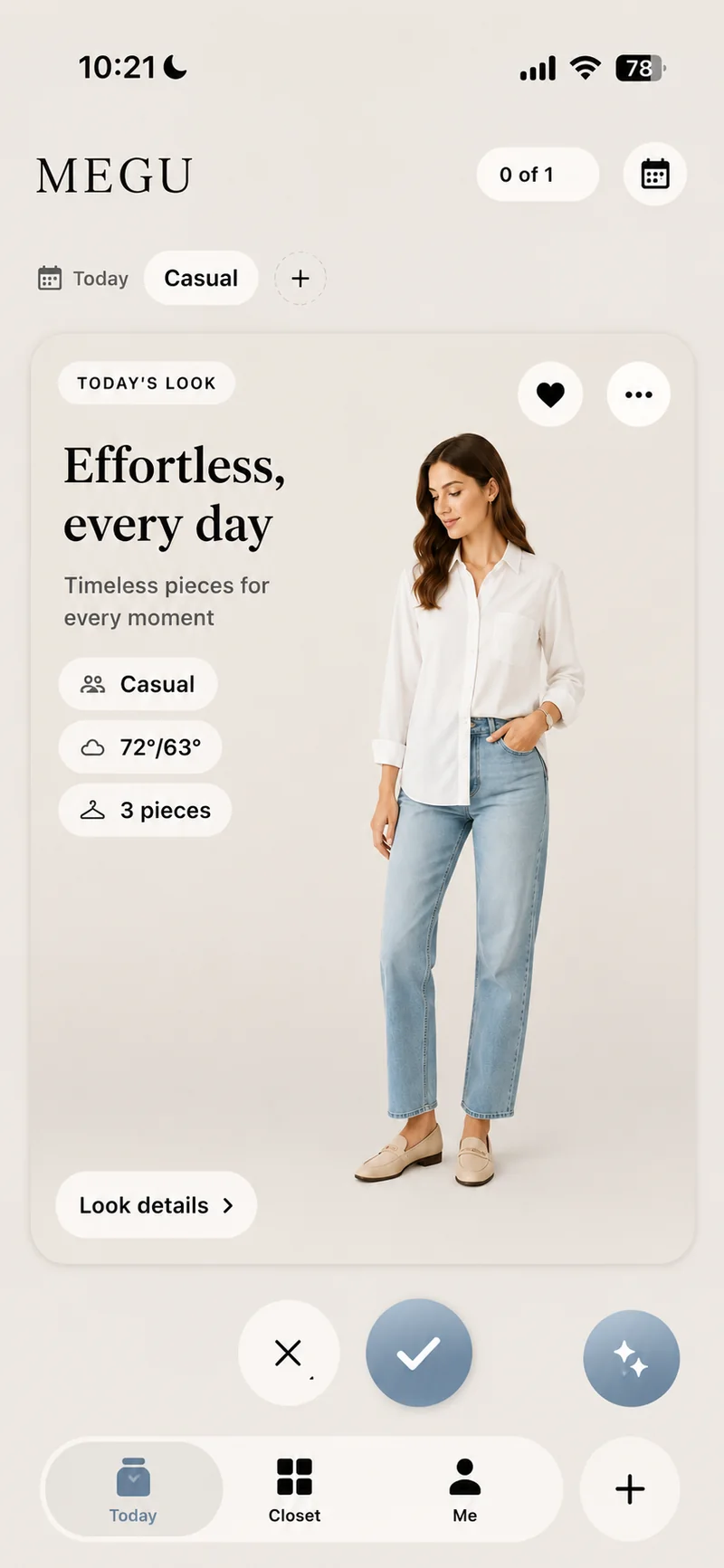
Review the week, one day at a time
Open a day to review the suggested pieces. Shuffle a look that does not suit your plans, and check the rest of the week for the balance of outfits you want.
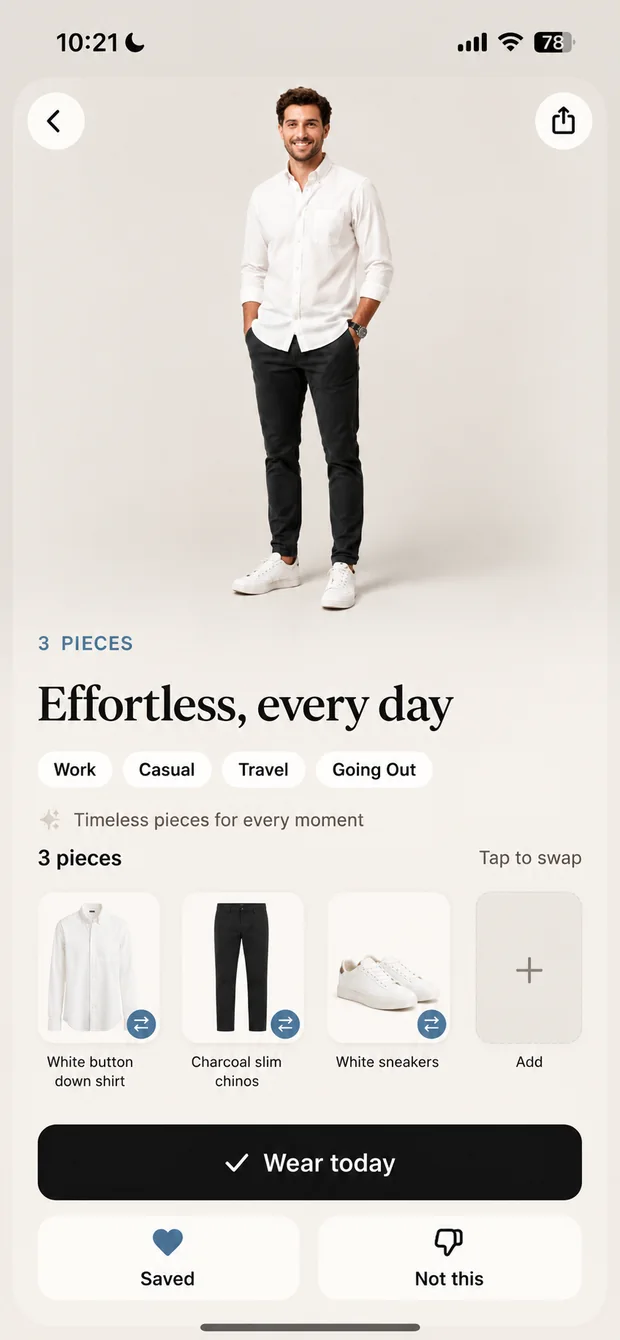
Packing stops being an evening’s work
Plan the days of a trip in advance and the pieces you need are the union of those looks. Review the pieces in each outfit and pack the ones you need. Follow the packing guide.
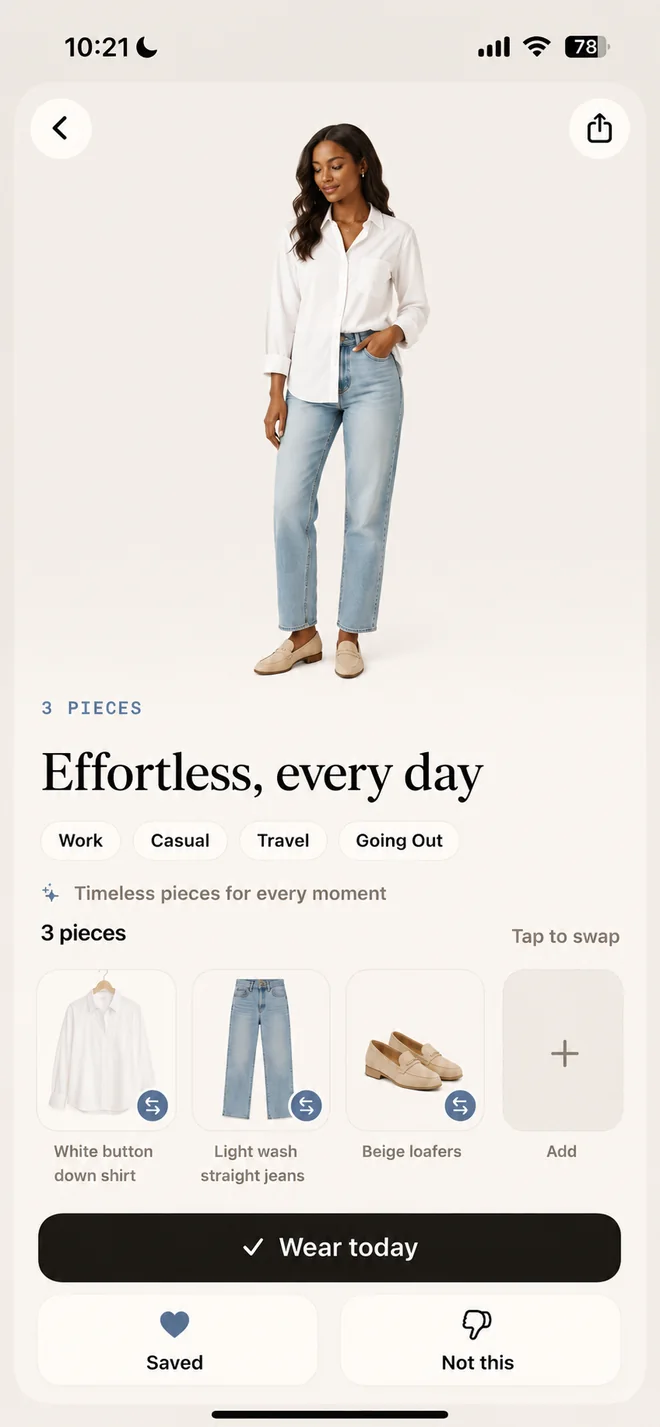
Inside the app
A plan you can actually change.
Start with the clothes in your digital closet. Describe the days ahead, then review each suggested look before you wear it.
1. Describe the week
For example: “Office Monday to Wednesday, dinner Thursday, a casual weekend.” Add the occasions that will change what you need to wear.
2. Check the suggested pieces
Open each day and check the top, bottom, shoes and any layers. Make sure the pieces are available, clean and right for your plans.
3. Adjust one day
Use Shuffle for a different suggestion. Review a look before wearing it or trying it on virtually. The plan stays on your phone so you can return when your week changes.
Questions, answered.
Is Megu a free outfit planner?
Megu requires a paid membership. Eligible new subscribers can try the monthly plan free. The current price, trial eligibility and renewal terms are shown in the app before you subscribe.
Can I use Megu in a browser or on Android?
Megu is an iPhone app for iOS 18 or later. The outfit planner is used in the iPhone app; there is no browser or Android version.
Can I plan for a trip?
Yes. Plan the days you will be away and the pieces you need are simply the ones those looks use, which is what you pack.
Does it avoid repeating the same pieces?
The planner suggests a look for each day. Review the week and adjust the pieces you want to repeat or change; available combinations depend on what is in your closet.
Can I change one day without redoing the week?
Yes. Any day can be edited or re-planned on its own, and the rest of the week stays as it was.
Does it know about my calendar?
Megu can read your events so that a day with something on it gets a look suited to it, rather than a default one.
What if my week changes halfway through?
Re-describe it. The plan updates from that point forward and leaves the days you have already worn alone.
Open your closet.
Now on the App Store. Scan five pieces on day one and see what tomorrow morning feels like.